

Baby Weather App
Free · No Sign-Up · No App Store
DressBaby shows you what to dress your baby in based on real-time temperature.
Install it in seconds and open it anytime from your home screen.
Install on iPhone (iOS)
Works in Safari (takes less than a minute):
1. Open this page in Safari

Coming from Instagram or Facebook? Use the menu → “Open in Browser” (Safari).
2. Tap the Share icon

3. Tap “Add to Home Screen”
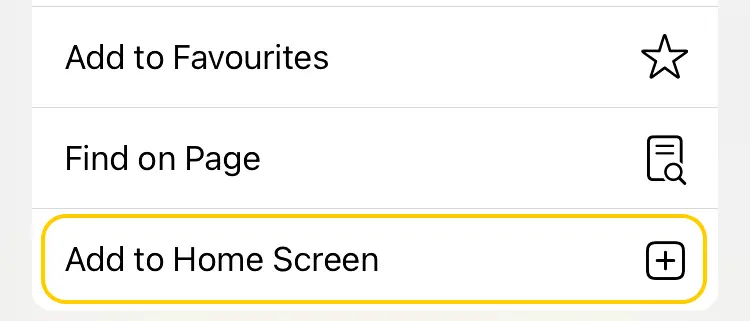
Don’t see it? Scroll down a bit in the Share menu.
4. Tap “Add”
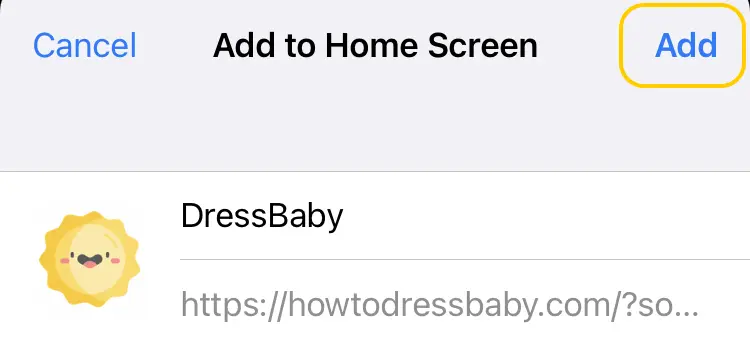
🎉 Done — DressBaby is installed
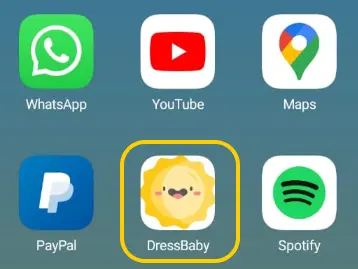
Install on Android
Easiest in Chrome (takes less than a minute):
1. Open this page in Chrome

Coming from Instagram or Facebook? Use the menu → “Open in Chrome”.
2. If you see an Install banner, tap it
(If no banner shows up, use the manual steps below.)
3. Confirm Install
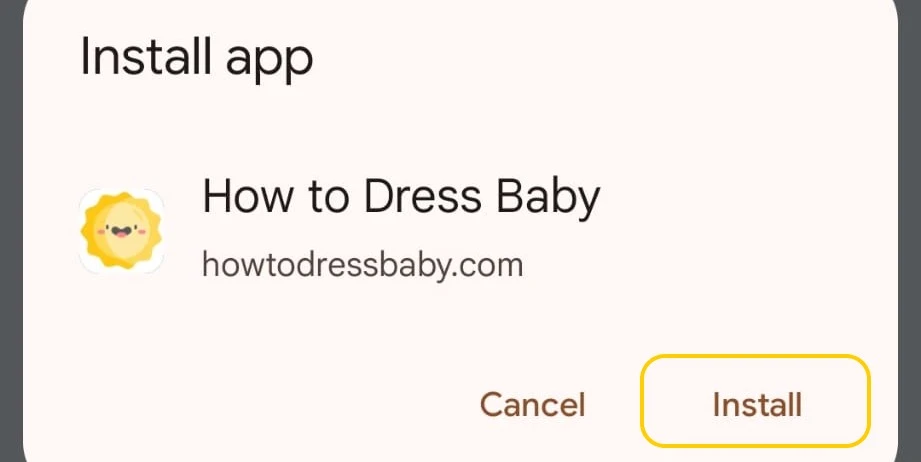
(Takes a few seconds.)
🎉 Done — DressBaby is installed
No install banner?
You can add it manually:
1. Tap the menu ⋮ (top right)
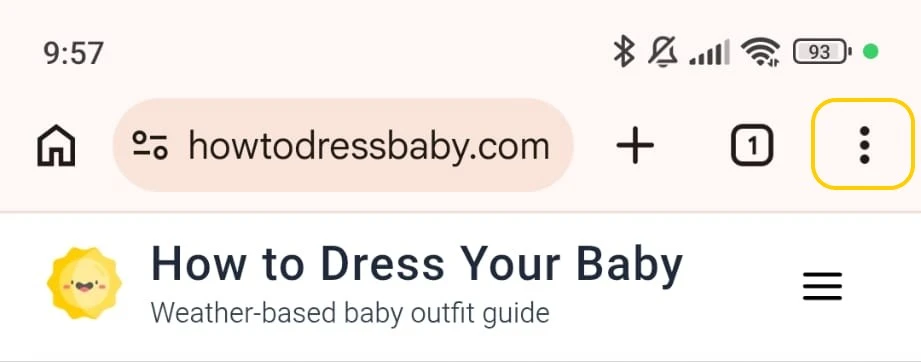
2. Tap “Add to Home screen” (or “Install app”)
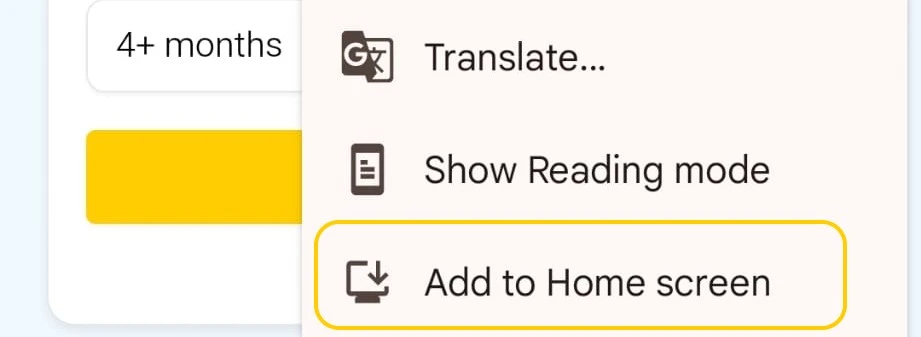
3. Confirm
(Takes a few seconds.)
🎉 Done — DressBaby is installed
FAQ
Is DressBaby free? ▾
Yes — completely free. No subscription and no sign-up.
Is this an app or a website? ▾
It’s a web app (PWA). You can install it to your home screen and use it like an app — without the App Store.
Do I need the App Store or Google Play? ▾
No. You install it directly from your browser to your home screen.
How do I know it worked? ▾
You’ll see the DressBaby icon on your home screen. When you open it, it launches full-screen like an app.
Does it work offline? ▾
You’ll need an internet connection to fetch weather and load fresh results.
HowToDressBaby — the baby outfit calculator
Get a weather-based outfit suggestion in seconds.
Go to the calculator (no installation)